CNC Machining Faceplates and Front Panels: Flatness, Finish and Silkscreen
How to source CNC machined faceplates for instruments, industrial machinery and rack equipment: flatness control, anodizing, engraving and RFQ checklist.
2026-07-01 · FabVector Engineering


What buyers are trying to solve
Searches for CNC machining faceplates usually come from engineering or procurement teams that already have a CAD model and need a manufacturable route, not a generic machining definition. The decision is normally about material risk, tolerance risk, surface finish, inspection paperwork and whether a supplier can move from prototype to repeat production without changing the process.
Best-fit applications
- Instrument front panels, rack faceplates and industrial machinery HMI plates.
- Thin aluminum plates with cutouts, counterbores, standoffs and engraved or printed legends.
- Low-to-mid volumes where sheet metal stamping tooling is not justified.
Manufacturing route
- Machine from cast tooling plate (MIC-6) or stress-relieved 5052/6061 to keep large thin plates flat.
- Rough all cutouts first, then finish faces in one setup to hold flatness across the panel.
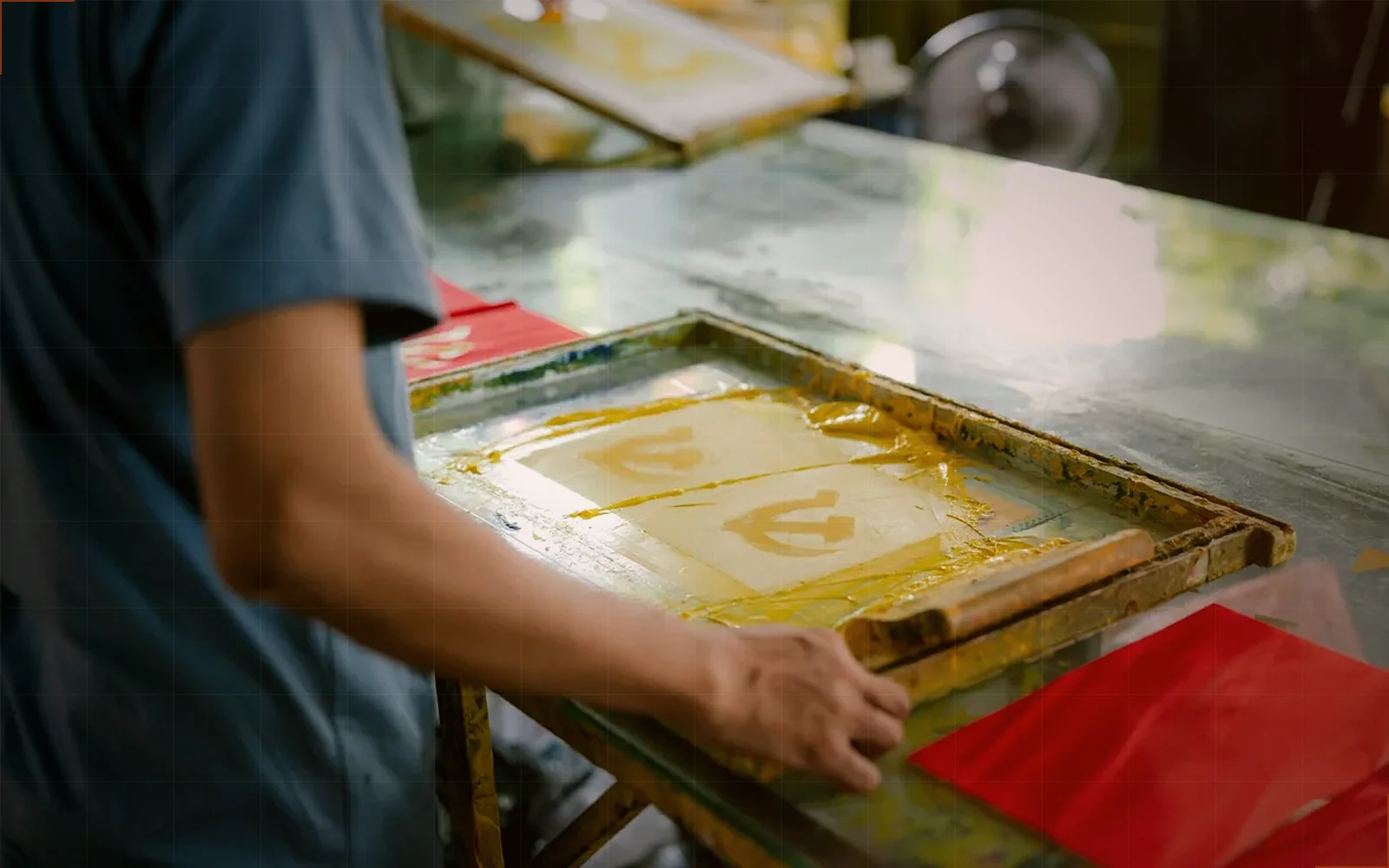
- Sequence finish before silkscreen: anodize or powder coat first, print legends last.
Material and finish choices
- Aluminum 5052 or 6061 for most panels; MIC-6 cast plate when flatness below 0.1 mm/300 mm matters.
- Stainless 304 brushed for food, marine or high-abuse fronts.
- Polycarbonate or ABS for internal covers and non-structural bezels.
Risk controls before quoting
- Call flatness per overall panel size, not a blanket tight callout — thin plates move.
- Specify countersink orientation and burr-free edges on operator-facing surfaces.
- Fix legend artwork (fonts, line weights, Pantone) before the finishing PO, not after.
RFQ inputs that improve quote accuracy
- Panel dimensions, thickness, alloy and flatness requirement.
- Cutout drawing or DXF, engraving/silkscreen artwork and color standards.
- Finish spec (anodize color, powder coat RAL), quantity and delivery cadence.
Related FabVector resources
When the part includes thin walls, sealing faces, tight datums, threaded features or inspection requirements, upload the CAD model through the structured RFQ flow so material, finish, tolerance, inspection and delivery expectations stay attached to the same request.
Related resources
RFQ next step
Turn this requirement into a quote package.
Upload CAD, select material, finish, tolerance, inspection and delivery context. FabVector keeps the quote inputs tied to the same engineering request.
Start structured RFQ