Copper CNC Machining for Thermal and Electrical Parts: C110, Burrs and Plating
A practical copper CNC machining guide for busbars, heat spreaders, cold plates, RF parts and high-conductivity components.
2026-07-01 · FabVector Engineering
What buyers are trying to solve
Searches for copper CNC machining usually come from engineering or procurement teams that already have a CAD model and need a manufacturable route, not a generic machining definition. The decision is normally about material risk, tolerance risk, surface finish, inspection paperwork and whether a supplier can move from prototype to repeat production without changing the process.
Best-fit applications
- Busbars, heat spreaders, cold plates, RF shields and high-current terminals.
- Parts where conductivity and surface cleanliness matter more than cosmetic appearance.
- Low-volume prototypes before stamping, brazing or assembly tooling is finalized.
Manufacturing route
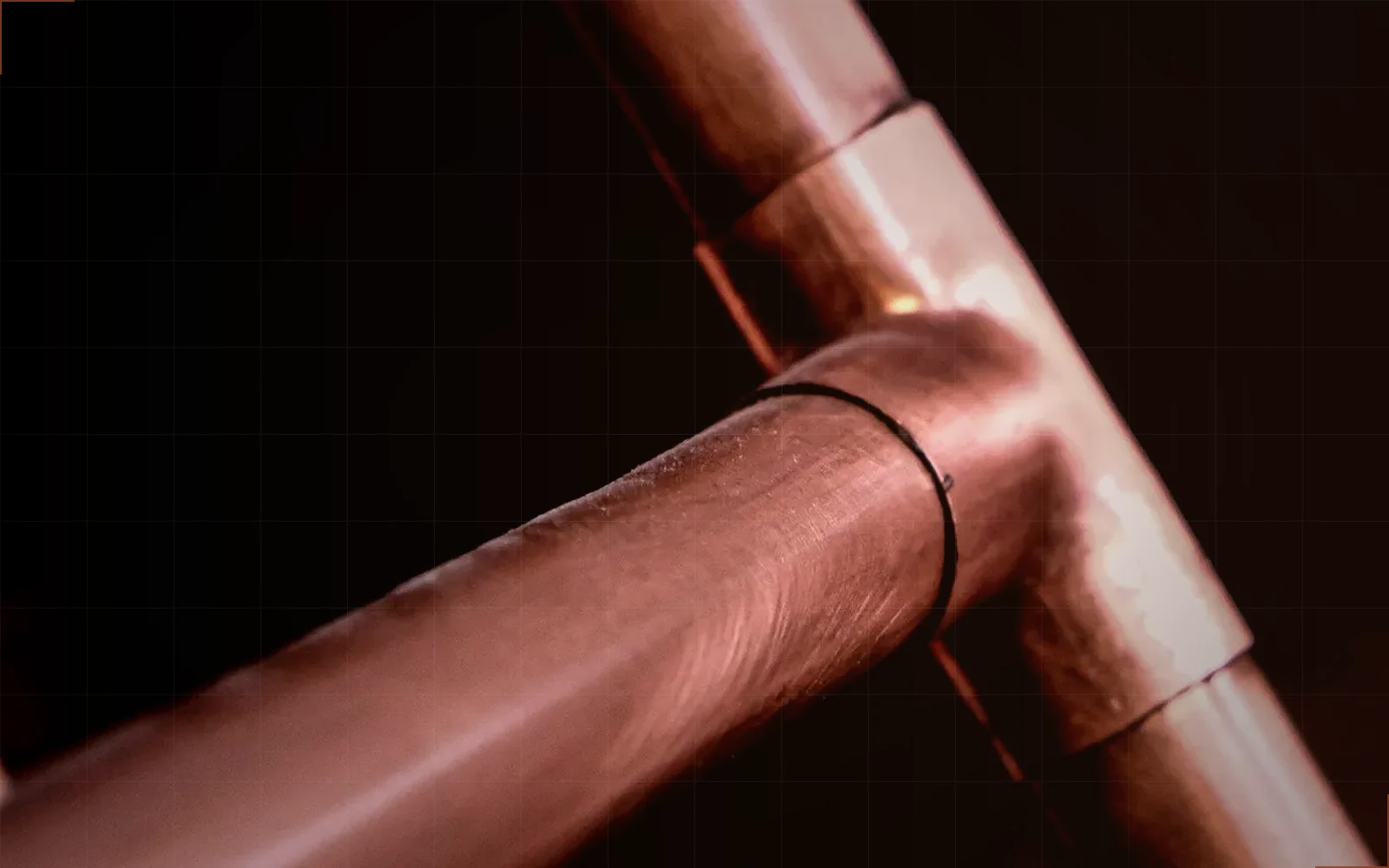
- Use sharp tools, controlled feeds and deburring plans to manage gummy copper behavior.
- Plan plating or cleaning after machining when oxidation or contact resistance matters.
- Separate high-current contact faces from non-critical geometry in the drawing.
Material and finish choices
- C110 copper for high conductivity.
- Brass when machinability and cost matter more than maximum conductivity.
- Tin or nickel plating depending on solderability, corrosion and contact requirements.
Risk controls before quoting
- Burrs on slots, holes and terminals must be explicitly controlled.
- Soft copper can deform under aggressive clamping.
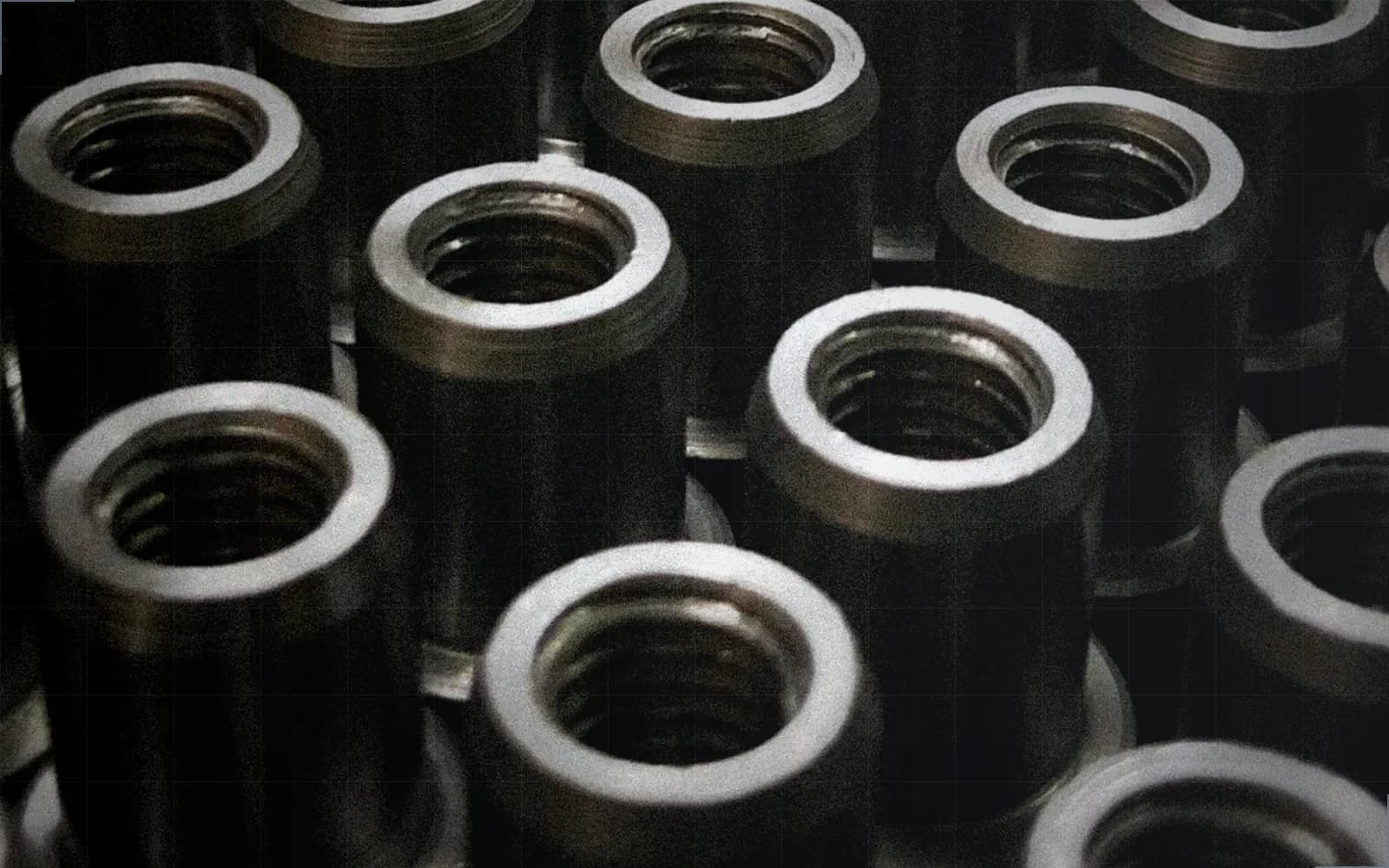
- Plating thickness affects contact surfaces and threaded features.
RFQ inputs that improve quote accuracy
- Copper grade, conductivity requirement and plating preference.
- Critical contact faces and burr limits.
- Electrical, thermal or RF function of the part.
Related FabVector resources
When the part includes thin walls, sealing faces, tight datums, threaded features or inspection requirements, upload the CAD model through the structured RFQ flow so material, finish, tolerance, inspection and delivery expectations stay attached to the same request.
Related resources
RFQ next step
Turn this requirement into a quote package.
Upload CAD, select material, finish, tolerance, inspection and delivery context. FabVector keeps the quote inputs tied to the same engineering request.
Start structured RFQ